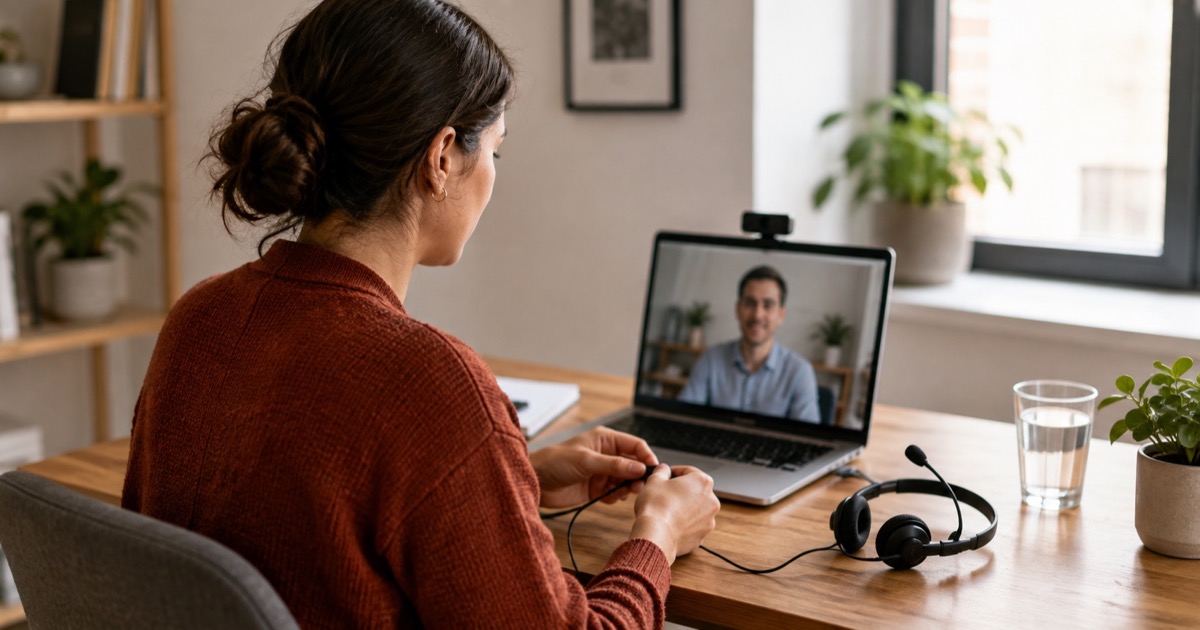
Before a virtual interview, verify the meeting details, test the equipment you will actually use, and agree on a way to reconnect if the call fails. Then rehearse the conversation in that setup. Good preparation means you can focus on the question instead of wondering whether anyone can hear you.
The camera light turns on. Your headphones are connected, but the meeting has selected the laptop microphone. You share a screen and discover that the document you need is on a different desktop. These are small problems, yet they can take up your attention at exactly the wrong moment.
Use this checklist in order. You do not need to buy equipment to get started; test what you have and address the problems you actually find.
The day before: confirm the interview details
Check the date, time zone, expected duration, meeting link, and interviewer or recruiting contact. If there are several rounds, note whether each has a different link. Read any instructions about coding platforms, presentations, identification, or permitted materials.
If the format is unclear, send one focused question: “Could you confirm whether this round includes screen sharing or a live exercise, and which tools or notes are permitted?” That is more useful than assuming every video interview works the same way.
Ask about any access needs early enough to make arrangements. You do not have to solve a platform limitation alone.
Test your audio and camera in the actual setup
Use the device, browser or application, headset, and room you plan to use. Run the platform's available test or make a short call with someone you trust. Check which microphone and speaker the meeting selected; a connected headset is not proof that the app is using it.
Confirm that your camera and microphone permissions work. Check the camera angle and light with a preview. The goal is a clear view of your face, not a studio setup. Listen to a short recording or ask your test partner whether your voice is clear at a normal speaking volume.
Microsoft's virtual-interview guidance similarly recommends testing the meeting technology, camera and microphone access, connection, and selected headphones. Follow the instructions for your own interview platform rather than assuming Microsoft's setup applies to every employer.
If an update or installation is required, handle it before the interview morning where possible. Charge the device and keep the charger within reach.
If you need to share your screen
Open the material you expect to use and test sharing it. Make sure the text is readable at the size the interviewer will see. For a coding exercise, check that you can access the specified editor or platform and that your normal shortcuts work there.
Close unrelated documents and pause notifications. When the format allows it, share the relevant window rather than an entire desktop. Check what is visible before beginning your explanation.
Do not put confidential work into a demonstration. Prepare a permitted example or a general diagram if you need to explain a previous project. Our project-explanation guide covers how to discuss your contribution without exposing private details.
Practice one answer on camera
Choose an opening answer or project explanation and say it aloud in the setup you tested. Check whether your notes make you read off-screen for long stretches. A few short reminders are easier to use conversationally than a paragraph of prepared text.
If notes are permitted, keep the job requirements, a few project reminders, and your questions nearby. For assessments, follow the stated rules about notes, search, and AI tools. Ask if you are unsure; permission for one round or tool may not cover another.
Leave space for the other person to finish speaking. If there is a delay and you talk over each other, a simple “Please go ahead” is enough. You do not need to apologize repeatedly for the ordinary friction of a video call.
Ten minutes before the call
- Open the invitation and confirm that you are using the correct link.
- Connect power and check the selected microphone and speaker again.
- Close bandwidth-heavy activity you control and pause notifications.
- Have water, a pen, and the recruiting contact details nearby.
- Open permitted materials and close anything you would not want to share.
- Take a moment to review the role and the two questions you most want answered.
Follow the invitation's joining instructions. A practical default is to be ready about ten minutes early and open the meeting a few minutes before the start. If the link is a reused room with another meeting in progress, wait rather than entering early.
What to do when the connection fails
Make a backup plan before you need it: who will you contact, and can you use a dial-in number or another device? Keep the plan short enough to use under pressure.
If the call drops, try rejoining once. If it still does not work, contact the recruiter or interviewer. Microsoft advises candidates who cannot reconnect to contact their recruiting representative; the exact fallback for your interview depends on the invitation and platform.
A message can be brief: “My connection dropped and I have tried rejoining. I am available by phone at the number on my application. Would you prefer to continue by phone or arrange another time?”
If audio cuts out during a question, ask for the missing part instead of guessing. “I heard the first part about the migration, but missed the constraint you mentioned” tells the interviewer exactly where to resume.
After the call
Note the topics discussed, any information you promised to provide, and the next-step timeline. If a technical problem cut short the conversation, explain that fact to the recruiter and ask how to complete the missing part. Do not assume it has decided the outcome.
Our follow-up guide can help with the next message. For your next rehearsal, use the same setup again: familiarity with the equipment leaves you more attention for the conversation itself.
Frequently Asked Questions
What should I check before a virtual interview?
Confirm the time zone, meeting link, platform, and contact person. Test the microphone, speakers, camera, and any required screen sharing on the device you will use. Keep the charger and a way to contact the recruiter nearby.
How early should I join a video interview?
Follow the invitation's instructions. As a practical default, be ready about ten minutes beforehand and open the meeting a few minutes before the start, using the waiting room if one is available. Avoid interrupting another meeting in a reused room.
Can I use notes during a virtual interview?
Ask about the rules for the round. When notes are allowed, use brief reminders and your questions rather than reading prepared answers. Coding tests and other assessments may have different restrictions from conversational interviews.
What should I do if the interview connection fails?
Try rejoining once, then contact the recruiter or interviewer through the agreed channel. Use a dial-in or another device if the invitation supports it. Explain what happened briefly and confirm whether to continue or reschedule.
Can I use AI during a video interview?
Check the employer's rules for that specific round and tool. Permission to use AI for preparation does not establish permission during an assessment. Ask beforehand if the instructions are unclear.
Found this useful?
Share it with someone preparing for an interview.